PiècesTV
Wireless CarPlay & Android Auto Adapter – Heylinkit USB/Type-C
Wireless CarPlay & Android Auto Adapter – Heylinkit USB/Type-C
Regular price
26,90 €
Regular price
0,00 €
Sale price
26,90 €
Unit price
per
Tax included.Shipping calculated at checkout.
📘 Guide réparation TV → économisez jusqu’à 200€
→ Télécharger le guideProduit en stock
Couldn't load pickup availability
Heylinkit Wireless Adapter – CarPlay & Android Auto
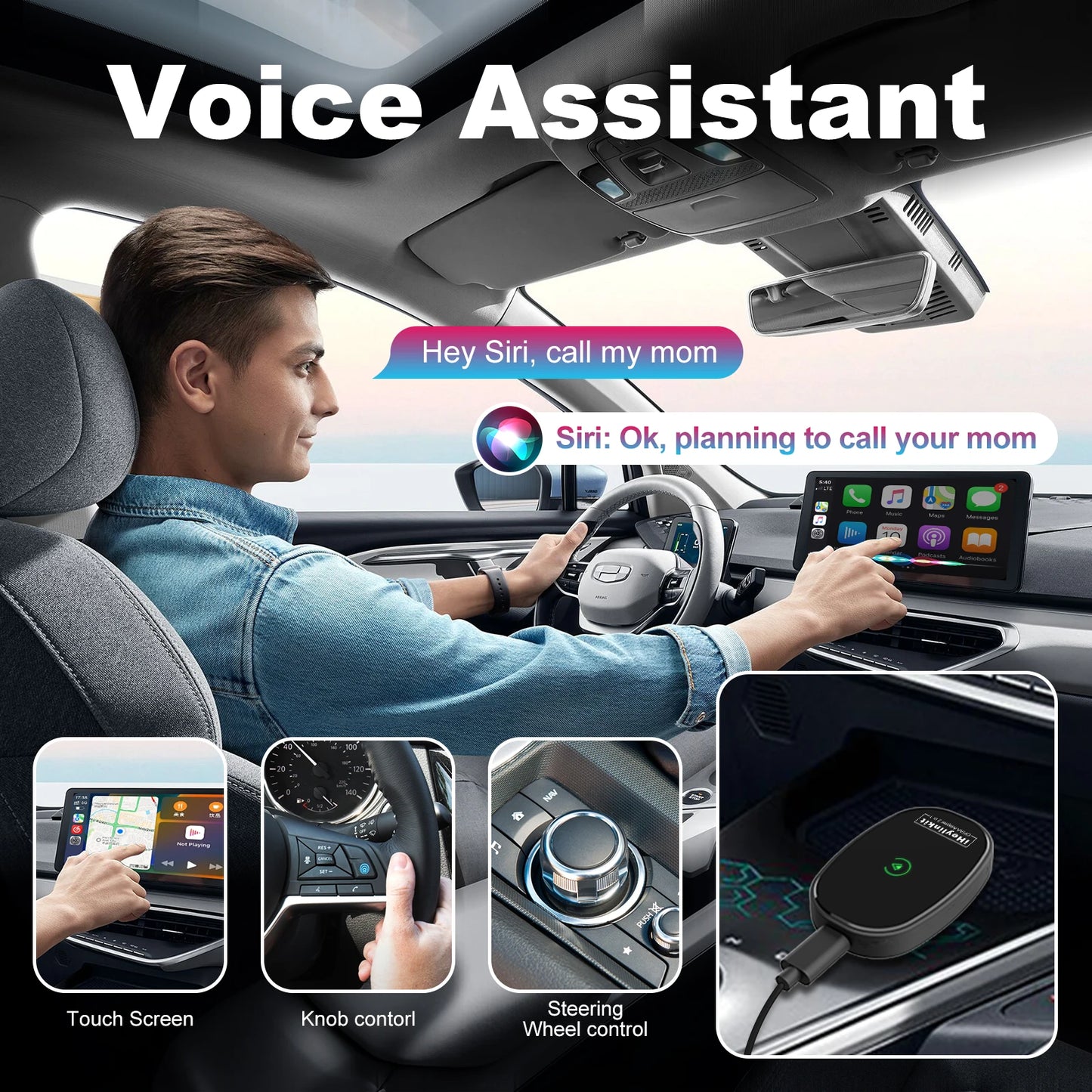
The Heylinkit transforms your wired CarPlay or Android Auto into a 100% wireless connection. Enjoy your apps (GPS, music, calls, messages) without a cable, with an automatic connection as soon as you get in the car.
Main Features
- ✔ Converts wired CarPlay → wireless CarPlay
- ✔ Converts wired Android Auto → wireless Android Auto
- ✔ Fast and automatic connection after the first installation
- ✔ Compatible with Siri & Google Assistant
- ✔ Navigation: Waze, Maps, Google Maps…
- ✔ Music: Spotify, Deezer, Apple Music…
- ✔ Hands-free calls & messages
- ✔ Built-in Bluetooth for phone synchronization
- ✔ Compact premium zinc alloy casing
Compatibility
This adapter works with vehicles equipped with:
- ✔ Original wired CarPlay
- ✔ Original wired Android Auto
- ✔ iPhone (model 6 and above – iOS 6+)
- ✔ Android phones (Android 6.0+ with Android Auto)
If you have any doubts about your car's compatibility, you can check it here:
Check your vehicle's compatibility
Scan this QR code with your phone to instantly check if your car model is compatible with the Heylinkit adapter:
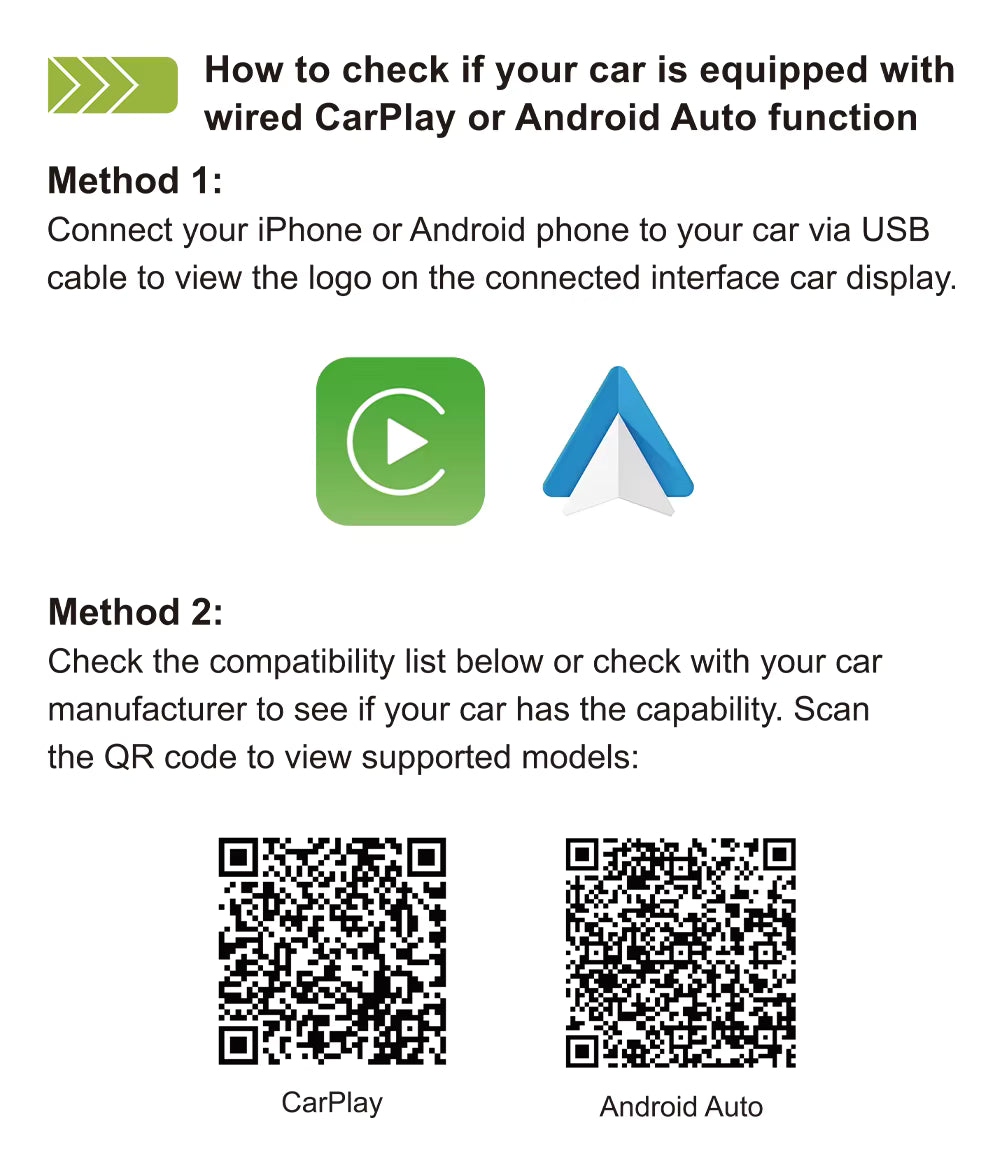
The QR code allows you to:
- ✔ Check vehicle compatibility
How to install the adapter
- Plug the Heylinkit adapter into your car's USB or USB-C port.
- Enable Bluetooth and Wi-Fi on your phone.
- Start the device search on your car's screen.
- Select the adapter from the Bluetooth list.
- Confirm "Use CarPlay" or "Use Android Auto."
- The connection will become automatic each time you start the car.
Advantages
- ✔ No cables needed
- ✔ Automatic startup in a few seconds
- ✔ Wide vehicle & smartphone compatibility
- ✔ Premium, durable, and compact materials
Note: to ensure the best stability, avoid having multiple phones paired simultaneously in the car.


Special selection for you
-
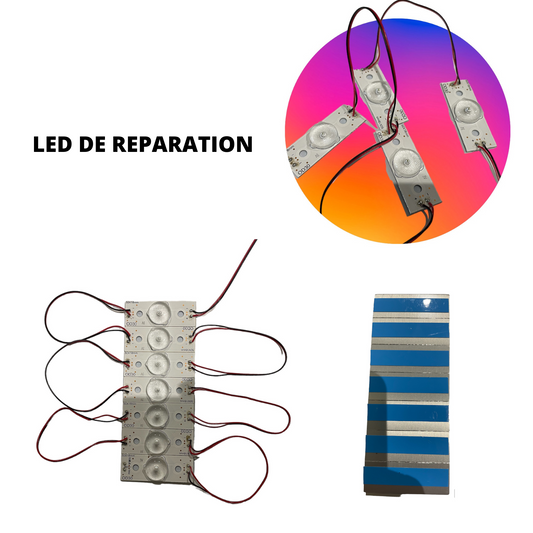
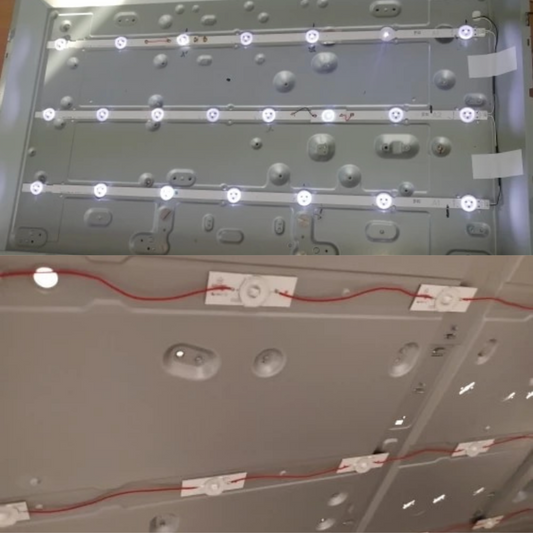
3V LED Repair Kit for TV Backlight Bar – Pre-soldered LED Set
Regular price From 8,00 €Regular priceUnit price per -
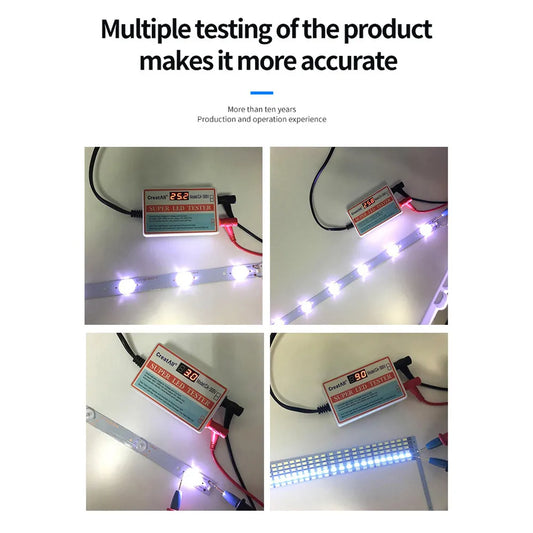
LED Backlight Tester 0-300V – TV Strips & Panel Repair
Regular price 27,90 €Regular priceUnit price per29,00 €Sale price 27,90 €Sale -
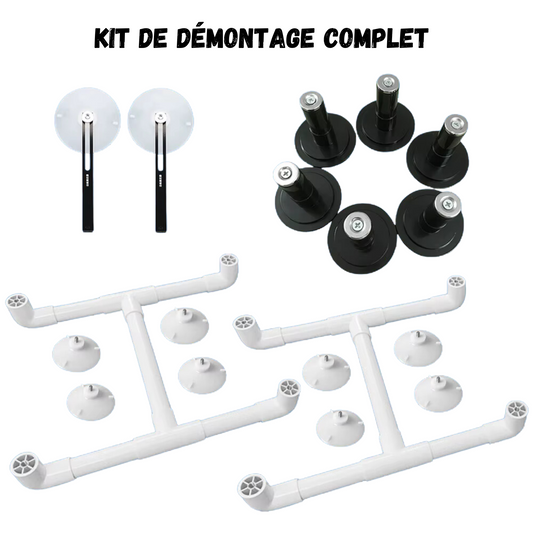
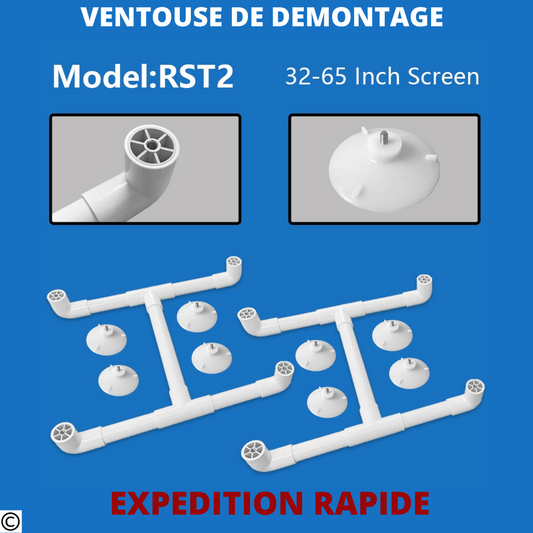
TOOL ACCESSORIES SUCTION CUP FOR REMOVING LCD LED TV SCREEN FOR 32 TO 65" SCREEN
Regular price 86,90 €Regular priceUnit price per89,00 €Sale price 86,90 €Sale -
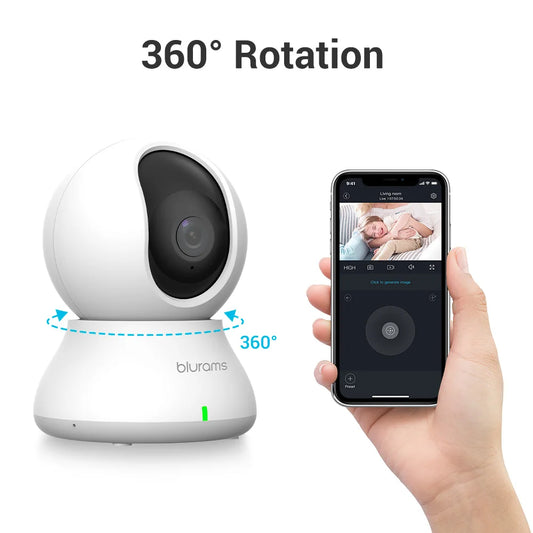
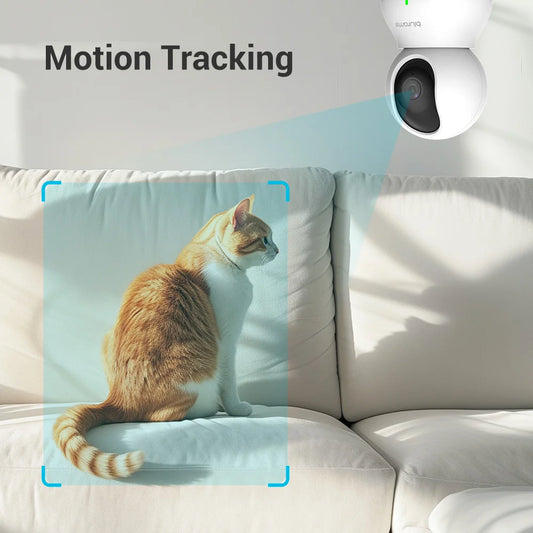
Blurams 2K HD Security Camera – WiFi Baby Monitor with Audio
Regular price 32,90 €Regular priceUnit price per0,00 €Sale price 32,90 € -
RMA-223 10cc Solder Flux – PCB BGA PGA Electronic Repair
Regular price 6,90 €Regular priceUnit price per -
Repairing Your TV Yourself – Complete PDF Guide (eBook)
Regular price 9,90 €Regular priceUnit price per -
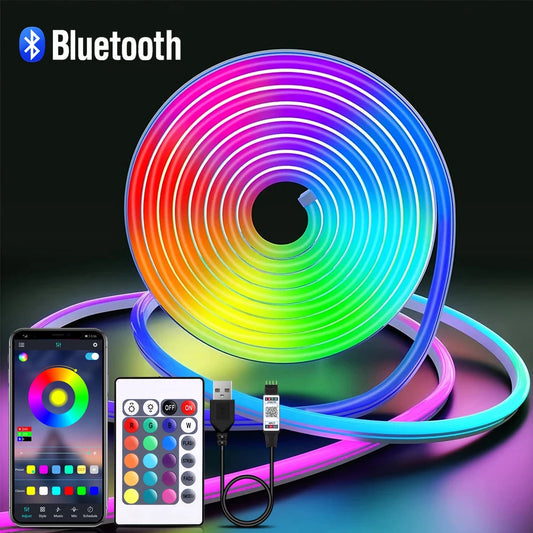
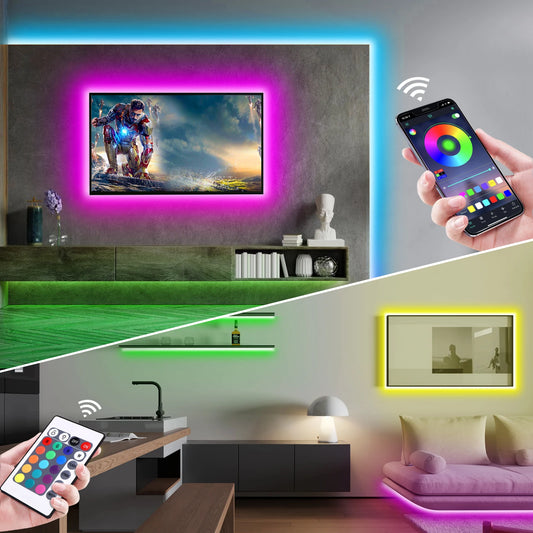
5V USB RGB Neon LED Strip - Flexible Waterproof LED Strip with Remote Control and App
Regular price From 21,90 €Regular priceUnit price per0,00 €Sale price From 21,90 € -
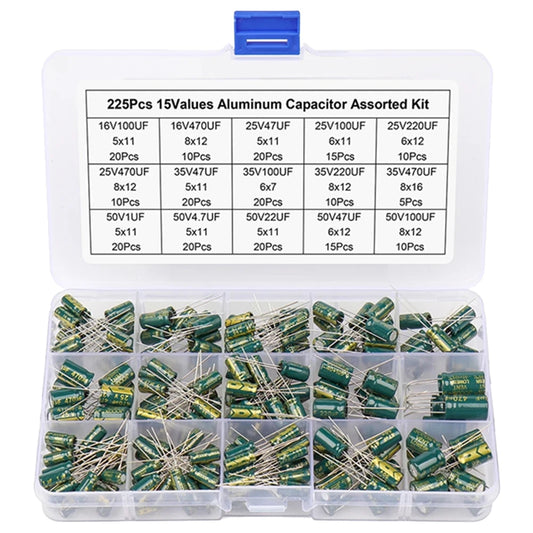
225PCS Electrolytic Capacitor Kit Aluminum 16V-50V - Low ESR
Regular price 29,90 €Regular priceUnit price per0,00 €Sale price 29,90 € -
Replacement iPhone OLED / AMOLED Screen – Pro Premium Quality
Regular price From 53,90 €Regular priceUnit price per0,00 €Sale price From 53,90 € -
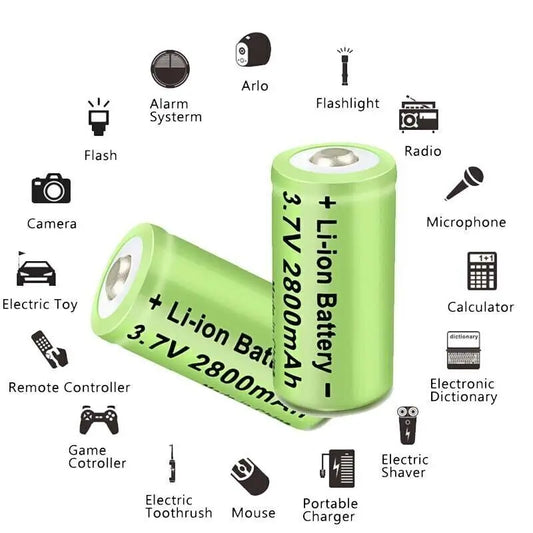
Charger pack + 8 Li-ion 3.7V 2800mAh 16340/CR123A batteries for flashlights
Regular price 31,90 €Regular priceUnit price per0,00 €Sale price 31,90 € -
4K 8MP Dual-Lens PTZ WiFi IP Camera – Color Night Vision
Regular price 76,90 €Regular priceUnit price per0,00 €Sale price 76,90 € -
122-in-1 Magnetic Precision Screwdriver Kit – Phone & PC Repair
Regular price 26,90 €Regular priceUnit price per0,00 €Sale price 26,90 €